QR Code for Google Reviews: How Restaurants Get More Reviews
QR code for Google reviews, step by step: get the review link, create the code, place it in your restaurant, ask guests at the right time and follow the rules.
6 min readFortuners Team
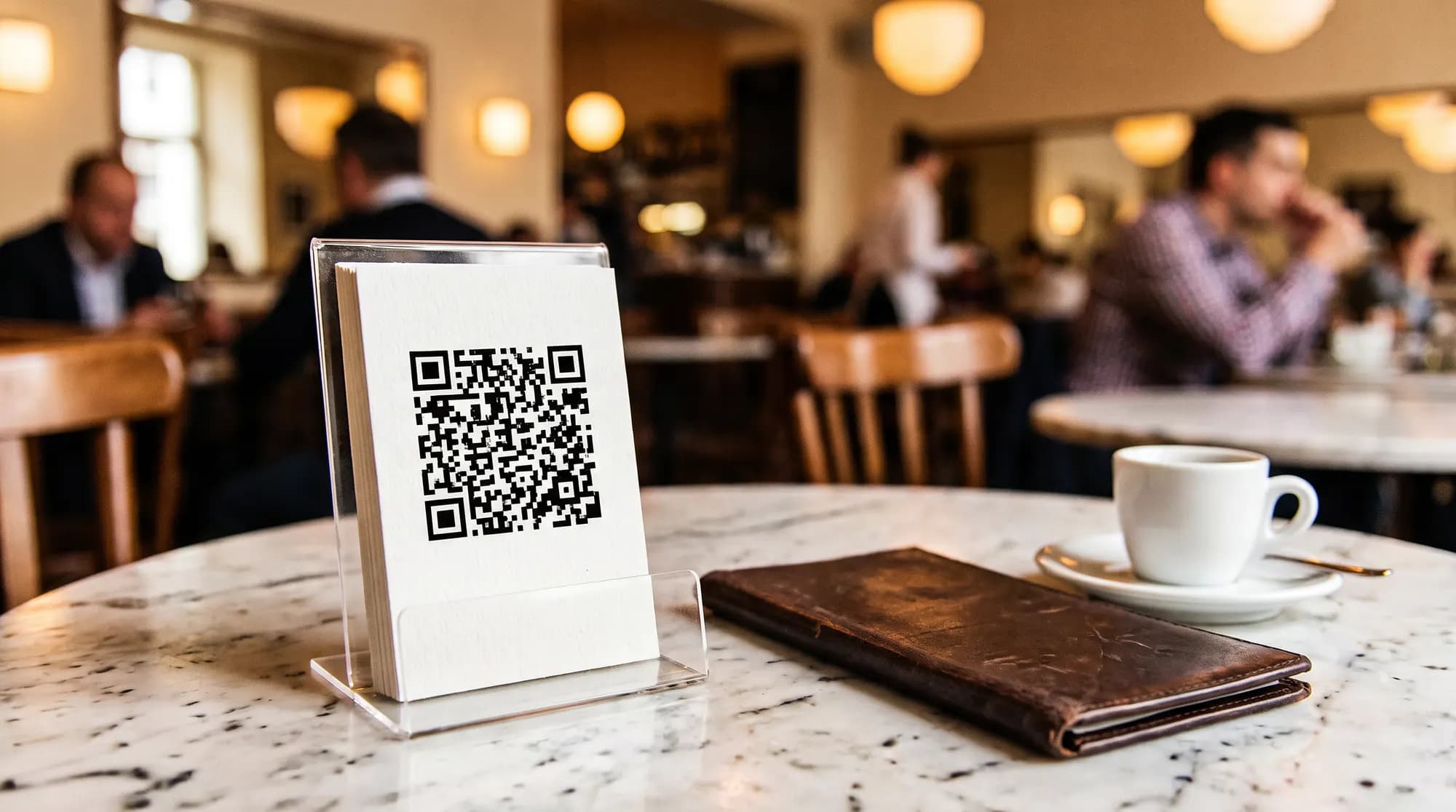
A QR code for Google reviews takes a few minutes to set up and costs nothing: in your Google Business Profile, open the option to get more reviews, copy the review link or download the ready-made QR code, then print it on a table stand, a card in the bill folder or your menu. The code alone will not bring in reviews, though. What makes the difference is when and how your team asks for them. This guide walks you through the setup step by step, compares placements in a restaurant, gives your staff lines to use, explains what Google's rules and EU and Polish law prohibit, and ends with reply templates for negative reviews and a simple way to measure results.
Why Google reviews matter for a restaurant
Reviews shape two decisions at once: whether Google shows your restaurant to someone searching nearby, and whether that person picks you over the place next door. Google's own guide to improving your local ranking (opens in a new tab) says more reviews and positive ratings can help a business's local ranking. A QR code removes the effort for the guest: instead of opening Google Maps, finding your venue and scrolling to the review button, they scan and land straight in the rating window.
How to get your Google review link
The review link opens a window where the guest picks a star rating and writes a few sentences, with no searching involved. According to Google's help article Create a Google link or QR code to request reviews (opens in a new tab), the steps are:
- Sign in to the Google account that manages your restaurant's Business Profile.
- Open your Business Profile, for example by searching for your restaurant's name on Google while signed in, or by going to business.google.com.
- Select Read reviews, then Get more reviews. Older versions of the interface called this option "Ask for reviews".
- Select Copy to copy the link. It is usually a short g.page address ending in /review.
Google renames buttons from time to time, so if you cannot find them, look for the reviews section of your profile.
Before you print anything, open the link in a private browser window and on the phone of someone outside your business. It should open the rating window for your venue. If you run several locations, each one has its own profile and its own link. Mix them up and reviews meant for your Mokotów restaurant end up on your Wola location.
No access to the Business Profile?
If an agency or a former manager set up the profile, ask the current owner of the profile to add your account. Without an owner or manager role, you cannot generate the link or reply to reviews on behalf of the restaurant. If nobody has access, you will need to request ownership through Google, which takes longer, so start there.
How to create a QR code for Google reviews
You have three options. They differ in whether you can count scans and whether you can change the destination without reprinting.
| QR code from your Business Profile | Static code from a QR generator | Code pointing to a redirect on your domain | |
|---|---|---|---|
| How to make it | in the same window as the link: right-click the code and choose "Save image as" | paste the review link into a generator | create an address on your website that redirects to the Google link, then make a code for that address |
| Cost | none | usually none | none or minimal if you already have a website |
| Scan counts | no | no | yes, in your website or server statistics |
| Change destination without reprinting | no | no | yes |
| Watch out for | computer browser only | choose a generator that does not insert its own redirect | with paid dynamic QR services, the code may stop working when the subscription ends |
A few print rules that will save you a reprint:
- Contrast. A dark code on a light background, with no gradients or photos behind it.
- Quiet zone. Leave a clear margin around the code. A code pushed right up to the edge of a card scans less reliably.
- Size. On a receipt or a small card, keep the code at no less than about 2 cm across. On a table stand or poster, go bigger, because guests scan from further away.
- A line of copy next to it. A square on its own says nothing. Add something like: "How was your visit? Your review, even a critical one, helps us cook better. Scan to rate us on Google."
- A test in the venue. Choose matte paper or matte lamination, and scan a test print with several phones in evening lighting before you order the full run.
Where to put the QR code in your restaurant
A good spot is one where guests already have an opinion of the visit, a moment to spare and their phone within reach. Here is how the most common options compare:
| Placement | Pros | Cons | Tip |
|---|---|---|---|
| Bill folder or tray | a natural end to the visit, guests wait for the card terminal | the folder goes back to staff after a few minutes | a card or sticker inside the folder with a short line of copy |
| Receipt | guests take it home and can scan later | many people skip the receipt, thermal paper fades | ask your POS provider whether and where a graphic can be added; never touch the fiscal part of the printout |
| Table stand | visible throughout the visit | guests may review before they eat, stands get dirty and take up space | add "after your visit", and if the table already has a menu QR code, label clearly which code does what |
| Counter and payment area | in a café, everyone stops there | queues and rush | place the code on the counter at eye level, not on the terminal itself |
| Takeaway and delivery packaging | reaches guests who judge the food at home | the review may be about the courier, not the kitchen | a sticker on the bag or box |
Do not roll the code out everywhere at once. Start with two placements, each with its own redirect address, and after a month keep the one that performs better.
If the bill folder already carries something with a different QR code, such as a fortune cookie with a partner brand's offer from a Fortuners campaign, put the review code on the table instead or label both clearly. Two unlabelled codes side by side are easy to confuse.
When and how to ask guests for a review
The best moment is the end of the visit: bringing the bill, taking payment, handing over a takeaway order. The guest has formed an opinion and has their phone in hand. Asking during the meal is an interruption.
The most important rule for your team: the same ask for every guest. Staff do not decide whom to ask based on a smile, a tip or a compliment. That keeps you within Google's rules and gives you reviews that reflect how your restaurant is really perceived.
Many guides on how to get more Google reviews for a restaurant recommend asking right after a guest pays you a compliment. It feels natural, but if compliments are the only trigger, you are asking selectively, and Google's policy prohibits selectively soliciting positive reviews. Staff can thank the guest for the kind words and still use the standard ask at the end, exactly as they would with everyone else.
Lines for your staff
At the table, when bringing the bill:
"Thank you for coming in. If you have a moment later, we would love to hear about your visit on Google. The code is in the bill folder."
At a café counter:
"Thanks so much! The code for Google reviews is right here on the counter, if you feel like telling people about us."
In a Warsaw venue, agree on one Polish and one English version of the ask.
A guest who raises a complaint during the visit gets the same ask as everyone else. Deal with the problem first, but do not skip them at the bill, and never ask them to "not post it online".
Lines your staff should never use:
- "Leave us five stars and dessert is on the house."
- "Could you mention that Marek looked after you?"
- "If anything was wrong, just tell us instead of writing on Google."
- "Could you post the review now? I'll wait."
- "Only if you loved it, please leave us a review."
What you must not do: incentives, review gating and fake reviews
Google's Maps user-generated content policy (opens in a new tab) is quite specific about fake engagement. For a restaurant, it means you must not:
- reward reviews: offer payment, discounts, free goods or services in exchange for posting a review, or for revising or removing a negative one,
- gate reviews: discourage negative reviews or selectively solicit positive ones, for example with a survey that sends only top-scoring guests on to Google,
- script the content: ask guests to include specific wording, such as a staff member's name,
- post with a conflict of interest: reviews from the owner, current or former employees, or people connected to the business,
- pressure guests on site: require or push guests to leave a rating or write a review while they are still in the venue.
Google removes content that breaks these rules and can take action against the profile. The law adds another layer. The EU's Omnibus Directive (EU) 2019/2161 (opens in a new tab) added fake consumer reviews to the list of commercial practices that are always considered unfair. In Poland, those rules were implemented in the Act on Counteracting Unfair Market Practices, in force since 1 January 2023: posting or commissioning fake consumer reviews and distorting reviews to promote products are unfair practices. If you publish guest reviews on your own website, you also have to say whether and how you check that they come from people who actually visited (UOKiK's overview of the 2023 changes (opens in a new tab), in Polish). We look at where word of mouth ends and manipulation begins in our guide to word of mouth marketing offline.
How to reply to reviews, including negative ones
Your reply is read not only by the reviewer but also by everyone still deciding where to eat, and they look at tone: does the restaurant listen, own its mistakes and change things? According to Google's help page on managing customer reviews (opens in a new tab), the reviewer is notified of your reply and can still edit their review afterwards. Ground rules for whoever replies:
- reply regularly, ideally within a few days, to positive and negative reviews alike,
- sign with a first name and role, for example "Anna, front-of-house manager",
- never disclose a guest's details or booking information,
- do not argue or question how the guest felt,
- admit a mistake if there was one, and say what you are changing,
- move the details to a private conversation by giving the restaurant's email address,
- do not paste the same stock phrase under every review, positive ones included.
Reply in the language of the review. A guest who wrote in English will not appreciate an answer in Polish, and vice versa.
Reply templates to adapt
Only mention changes you have actually made.
Long wait:
"Hello, thank you for your honest review, and we are sorry you had to wait so long. On Friday evenings our kitchen was not keeping up with orders, so from this week we have an extra person on those shifts. If you would like to tell us more, please write to [restaurant email address]. Anna, front-of-house manager"
A dish that disappointed:
"Hello, we are sorry the [dish name] was not to your taste this time. We passed your comments to our head chef, who has reviewed the recipe and the way it is served. Please get in touch at [restaurant email address], we would be glad to talk it through. Tomasz, head chef"
Unfriendly service:
"Hello, this is not how a visit to us should feel, and we apologise. We are discussing what happened with the team. We would be grateful if you contacted us at [restaurant email address] so we can understand exactly what went wrong. Anna, front-of-house manager"
A review you cannot match to a visit:
"Hello, we take every review seriously, but we could not find a visit that matches this description. Please contact us at [restaurant email address] so we can look into it. Anna, front-of-house manager"
If a review breaks Google's policies, for example it is spam, contains offensive content or comes from a former employee, flag it in your Business Profile. A low rating on its own is not grounds for removal.
How to measure results
Reviews are one of the factors that decide whether a new guest comes in at all. For how they work together with guest numbers, average spend and visit frequency, see our guide on how to increase restaurant sales. For reviews, a handful of numbers checked once a month is enough:
| Metric | Data source | Why it matters |
|---|---|---|
| New reviews per month | Google Business Profile | shows whether the ask is working |
| Average rating of new reviews | Google Business Profile | shows how perception is changing now, not over the past few years |
| Replies and reply time | Google Business Profile | shows whether the team keeps up with communication |
| Scans per placement | redirect statistics | shows which spot in the venue works |
| Scans per 100 bills | redirects plus your POS report | lets you compare months with different traffic |
| Recurring topics in reviews | reading the reviews | tells you what to fix first |
Illustrative example (made-up figures): a restaurant issues 3,000 bills a month. The code in the bill folder gets 90 scans and the code on the table stand gets 45, which is 3 and 1.5 scans per 100 bills respectively. Not every scan ends in a review and not every review comes from a scan, so compare month with month and placement with placement rather than treating scans as reviews.
Reviews bring in new guests. To make them come back, you need different tools, such as a restaurant loyalty programme. For more tactics that pair well with asking for reviews, see our list of restaurant marketing ideas.
Before you print your Google review QR code
- You have owner or manager access to the Google Business Profile
- The link opens the review window for the right venue on someone else's phone
- Each placement in the venue has its own redirect address
- The code has a short line of copy next to it, with no reward attached
- The code is high-contrast, has a clear margin and was test-scanned in evening light
- The whole team uses one agreed ask for every guest, in Polish and English
- Someone is responsible for replying to reviews within an agreed time
- Once a month, someone records new reviews, the average rating and scans
Frequently asked questions
Is a QR code for Google reviews free?
Yes. You can copy the review link and download a ready-made review QR code from your Google Business Profile at no cost. Paid tools usually sell dynamic QR codes with scan statistics, but a redirect from an address on your own website gives you the same tracking without a subscription.
Why can't I find the review QR code on my phone?
Google's help centre says review QR codes can currently only be generated in a computer browser, not on mobile devices. On a phone you can still copy the review link and turn it into a QR code later on a computer.
Can I give guests a discount or a free dessert for a Google review?
No. Google's policy prohibits offering payment, discounts, free goods or services in exchange for posting a review, or for revising or removing a negative one. You can ask every guest for a review, but without a reward and without picking only the happy ones.
Can I get a negative Google review removed?
Only if it breaks Google's content policies, for example because it is spam, contains offensive content or comes from someone with a conflict of interest, such as a former employee. You flag such a review in your Business Profile. A low rating on its own is not a reason for removal, so a calm, factual reply matters more.
Where is the best place for a Google review QR code in a restaurant?
Wherever guests have a moment and their phone in hand after the meal: inside the bill folder, on a table stand or on the counter where they pay. Start with two spots, each with its own redirect, and after a month check which one brings more scans.